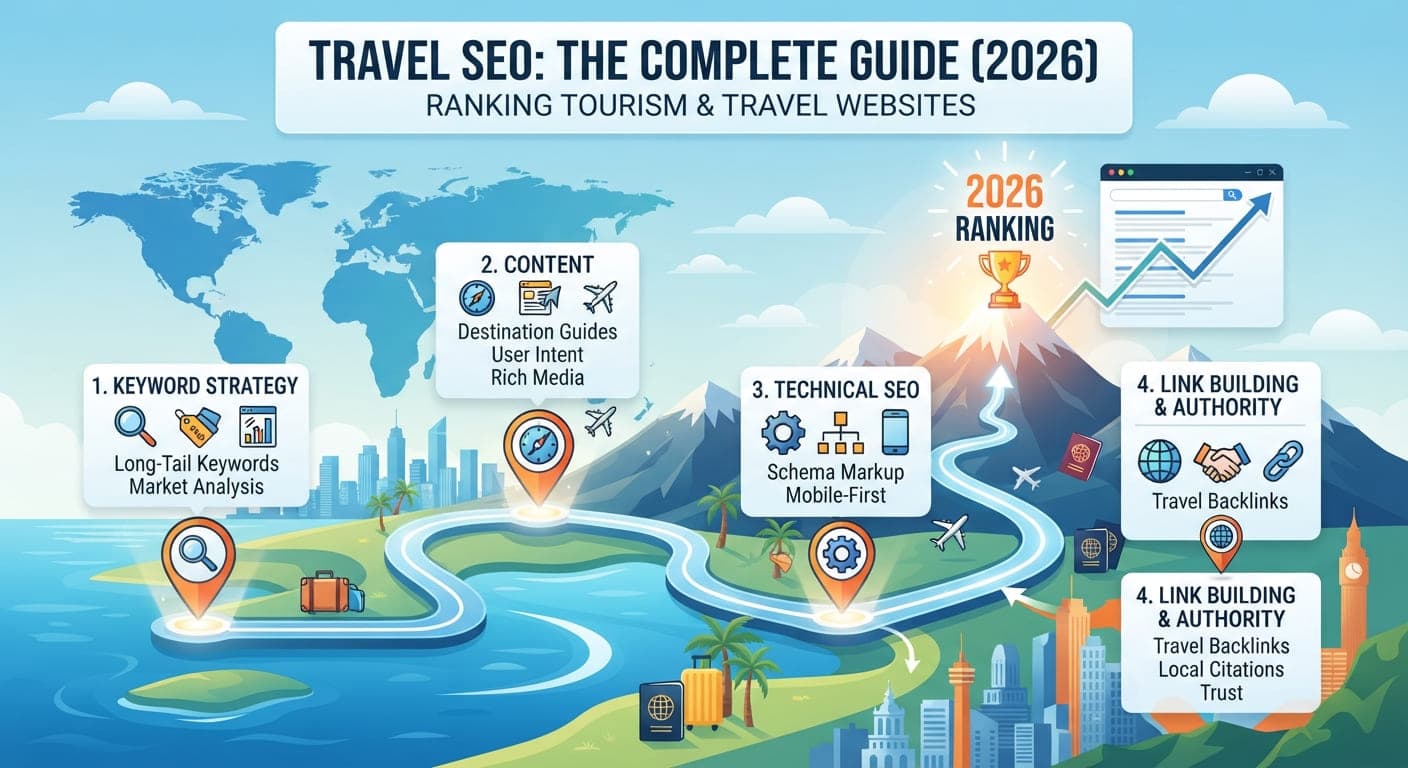
Travel SEO: The Complete 2026 Guide to Ranking Tourism Websites
October 8, 2026Read Post
Technical SEO decides whether strong content gets a fair chance to rank. This checklist walks through crawlability, indexing, site architecture, Core Web Vitals, mobile, HTTPS, redirects, and structured data in priority order, so you can find and fix what blocks the most pages first.
Technical SEO Checklist: 10 Things to Check on Your Website
Technical SEO is the layer beneath your content. If search engines can't crawl, understand, or load your pages properly, even excellent content struggles to rank. This checklist walks through the areas that matter most, in the order worth checking them.
Crawlers discover pages by following links and reading your sitemap. Check these first:
robots.txt: confirm it isn't accidentally blocking important folders such as /blog/ or /services/
XML sitemap: it should list your important, indexable URLs only, and be submitted in Google Search Console
Internal links: every important page should be reachable through links, not just listed in the sitemap
Crawl errors: review the Pages and Crawl Stats reports in Search Console for server errors and blocked resources
A page that crawlers can't reach can't be indexed, so this step comes before everything else.
Being crawled doesn't guarantee being indexed. Check:
Index coverage: in Search Console, review "Why pages aren't indexed" and confirm the exact reason for each excluded URL
noindex tags: make sure none were left over from development or applied by a CMS setting
Canonical tags: each page should point to its preferred version, and duplicate or near-duplicate pages should canonicalize correctly
Thin or duplicate pages: consolidate or improve them, since Google often skips pages that add little unique value
If many pages sit in "Discovered, currently not indexed," the cause is often weak internal linking or low site authority, not a single broken setting. For troubleshooting steps, read Why Your Pages Aren't Getting Indexed on Google.
Keep important pages within three clicks of the homepage
Use clean, descriptive URLs with readable words instead of strings of parameters
Avoid orphan pages that have no internal links pointing to them
Keep URL structure consistent so related content groups logically
Speed affects both rankings and conversions. Google's Core Web Vitals measure three things:
Largest Contentful Paint (LCP): how fast the main content loads
Interaction to Next Paint (INP): how quickly the page responds to input
Cumulative Layout Shift (CLS): how stable the layout is while loading
Common fixes include compressing and properly sizing images, using modern formats such as WebP, minimizing unused JavaScript and CSS, enabling caching, and using a content delivery network. Test with PageSpeed Insights and review the field data in Search Console.
Google primarily uses the mobile version of your site for indexing. Confirm that:
The design is responsive and content matches the desktop version
Text is readable without zooming and buttons are easy to tap
Pop-ups and banners don't block the main content
Mobile pages load quickly on slower connections
Serve the whole site over HTTPS with a valid certificate
Redirect all HTTP URLs to their HTTPS versions
Fix mixed content warnings where secure pages load insecure resources
Keep your CMS, plugins, and themes updated to reduce security risks
Use 301 redirects for permanently moved pages
Avoid redirect chains and loops, which waste crawl budget and slow users down
Fix broken internal links that lead to 404 pages
Return proper 404 or 410 codes for removed content instead of soft 404s
Structured data gives search engines explicit information about your content. Useful types include:
Organization and LocalBusiness for your company details
Article for blog posts
FAQPage for question-and-answer sections
Product and Review for online stores
BreadcrumbList for navigation context
Validate markup with Google's Rich Results Test, since invalid schema can silently fail to produce rich results. Structured data also helps AI search tools interpret your content more reliably. For more on how technical SEO connects with AI search visibility, explore Gemini Search SEO.
Every page needs a unique title tag and meta description
Use one H1 per page with a logical heading structure beneath it
Add descriptive alt text to meaningful images
Set hreflang tags correctly if you serve multiple languages or regions
Technical SEO isn't a one-time project. Set a routine:
Check Search Console weekly for new errors
Run a full site crawl monthly to catch broken links and duplicate tags
Re-test Core Web Vitals after major design or plugin changes
Re-audit after any migration, redesign, or CMS change
If you can't do everything at once, work in this order: crawlability, indexing, HTTPS, mobile, speed, redirects and errors, structured data, then on-page details. Problems higher in the list block everything below them.
Technical SEO won't make weak content rank, but it decides whether strong content gets a fair chance. Work through crawling, indexing, speed, and structured data in order, fix what blocks the most pages first, and keep monitoring so small issues don't quietly pile up.
The Complete Guide to Technical SEO for Small Businesses in 2026
Website SEO Checker: How to Audit Any Website for Free
Small Business SEO: A Practical Guide for Limited Budgets
Get a comprehensive SEO & AI visibility audit for your website with zero obligation.